 Camfident
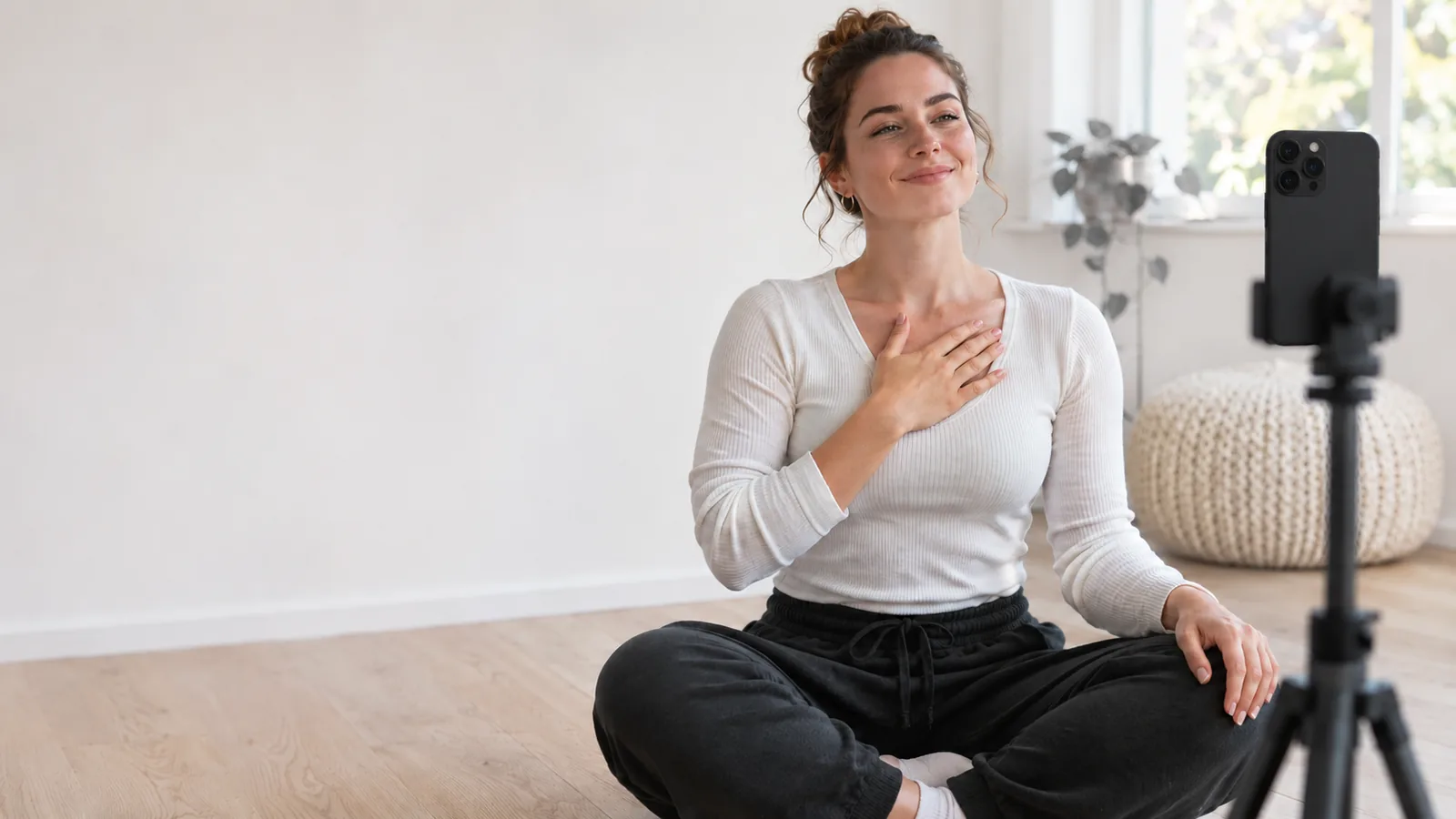
To get over your fear of being on camera, you must remove the pressure of an immediate audience and lower the stakes through progressive exposure. Start by recording brief 15- to 30-second clips just for yourself, without posting or judging the footage. By practicing private, daily repetition in small increments, your nervous system desensitizes to the lens within one to two weeks.
Camera anxiety—often called camera shyness or telephobia—affects beginners and experienced professionals alike. Staring into a glass lens triggers the same evolutionary self-preservation instincts as speaking to an unpredictable crowd. Because a lens offers zero nodding, smiling, or immediate human feedback, your brain fills that silence with self-doubt.
Feeling nervous in front of a smartphone is completely normal. However, if anxiety about speaking or being seen severely disrupts your daily work or wellbeing, speaking with a licensed mental health professional can provide structured support. For everyday video jitters, a deliberate, gradual approach will help you build lasting confidence.
Why does being on camera feel so awkward and unnatural?
Being on camera feels awkward because you are performing interpersonal communication without the real-time social cues your brain expects. In regular human dialogue, subtle micro-expressions, nods, and vocal affirmations reassure you that you are understood. A camera lens provides none of that feedback, forcing you into hyper-awareness of your own posture, tone, and facial expressions.
Psychologists explain this through the concept of objective self-awareness, first defined by Shelley Duval and Robert Wicklund. When you see your own reflection or recording, your attention snaps inward. You begin measuring yourself against an idealized standard of how you think you should look and sound.
Furthermore, almost everyone dislikes their own recorded voice and flipped appearance at first. You hear your own voice through bone conduction, making it sound deeper and warmer to your inner ear than the air conduction picked up by a microphone. When you see your face in recorded video, it looks reversed compared to the mirror reflection you have viewed every morning for decades. If you struggle with this discomfort, our guide on why you hate seeing yourself on video explores the mirror-exposure effect and how your brain adapts over time.
How does camera anxiety compare to stage fright and glossophobia?
Camera anxiety shares physical symptoms with stage fright, but it operates in a distinct psychological environment. Public speaking before a live audience triggers glossophobia, where fear centers on immediate public evaluation, crowd size, and spontaneous reactions. Camera fear, by contrast, centers on permanence, scrutiny, and the agonizing ability to replay your mistakes.
| Dimension | Camera Anxiety | Stage Fright & Glossophobia |
|---|---|---|
| Primary Fear | Permanence, replayability, and perceived imperfections | Immediate judgment from a live room of people |
| Feedback Loop | Silent, non-responsive lens; you must create your own energy | Live facial reactions, laughter, applause, or dead silence |
| Control Over Output | High (you can re-record, edit, or delete clips) | Low (words happen in real time with no second take) |
| Physical Setting | Often alone in a quiet room with a phone or webcam | On a stage, podium, or meeting table before onlookers |
| Best Antidote | Low-stakes private practice and progressive exposure | Grounding techniques, room acclimation, and eye contact |
If you want to understand these distinctions in clinical depth, read our breakdown of camera anxiety vs. stage fright and glossophobia, which clarifies when nervousness is standard performance stress and when deeper social anxiety may be involved.
A step-by-step plan to get comfortable on video
Overcoming camera shyness does not require jumping directly into live streaming or publishing long monologues. Instead, follow this five-step desensitization process to transition from camera-shy to camera-ready at a calm pace.
- Speak without looking at your face (Days 1–2): Turn the front-facing camera on, but cover the screen or use an app that blurs your preview. Speak for 20 seconds about what you had for breakfast. Do not watch it back; simply tap delete or close the app.
- Record private audio-only notes (Days 3–4): Before combining face and voice, practice articulating thoughts aloud. Send 30-second voice memos to a trusted friend or record verbal journal entries into your phone's voice recorder.
- Record low-stakes "throwaway" videos (Days 5–7): Place your phone on a shelf or desk at eye level. Record a 45-second clip explaining one simple concept you know well. Delete it immediately without watching. This breaks the subconscious fear that recording carries permanent consequences.
- Conduct a clinical, non-judgmental review (Days 8–10): Record a 60-second video and watch it back once, focusing strictly on one objective metric such as pacing or lighting, rather than your appearance. To learn how to evaluate your clips constructively without cringing, follow our guide on reviewing your own video.
- Share a video with an audience of one (Days 11–14): Send a personalized video message to a supportive friend, family member, or colleague instead of typing a text. Moving from zero audience to one supportive person bridges the gap to public publishing.
If you prefer an exact day-by-day roadmap tailored for beginners, our structured 5-day plan for camera-shy creators breaks this transition into five gentle daily milestones.
How can you sound confident even when your hands are shaking?
You sound confident on camera by controlling your respiration, grounding your physical posture, and intentionally slowing your speaking tempo. Nervousness floods your bloodstream with adrenaline, which causes shallow chest breathing, elevated vocal pitch, and rapid speech.
Before you press record, inhale through your nose for four counts, hold for two counts, and exhale slowly through pursed lips for six counts. Slow, deep breathing like this helps trigger the body's relaxation response, which can bring your heart rate down. Keep your shoulders relaxed and resting down, rather than hunched toward your ears.
To dive deeper into vocal warm-ups and physiological resets that steady your delivery, check out our practical guide on how to sound confident when you are nervous.
How do you look natural and avoid feeling stiff?
Looking natural on camera comes down to eye positioning, arm relaxation, and conversational framing. When people freeze in front of a smartphone, it is usually because they are staring at their own face on the screen rather than looking directly into the camera lens. Looking at your own preview makes your eyes appear deflected and disconnected to your viewers.
Adjust your physical setup so you do not have to hold the phone with a shaky hand:
- Position the camera lens slightly above eye level and angle it downward by 5 to 10 degrees.
- Keep your hands free in the upper frame so you can make natural gestures while explaining ideas.
- Stand up or sit on the front half of your chair with an upright spine to keep your breathing diaphragmatic and open.
For specific advice on body language, natural smiling, and arm positioning, explore our detailed manual on how to look natural on camera.
Should you memorize a script or talk freely?
Beginners often assume they need to memorize every single sentence word-for-word, but full memorization usually increases anxiety and produces a robotic, wooden delivery. If you forget a single phrase, you freeze. Conversely, attempting to wing it without notes frequently results in rambling and endless filler words.
The sweet spot for most creators is a bullet-point outline covering three parts:
- Hook (1 sentence): The core question or problem you are addressing.
- Body (2–3 bullet points): The core lessons, steps, or insights.
- Call to action (1 sentence): What the viewer should do, reflect on, or try next.
To compare full scripts, bullet outlines, and teleprompter setups, read our in-depth analysis on whether to use a script or speak without one.
Essential solo speaking skills to practice at home
Speaking to a camera is an isolated athletic skill that improves with short, intentional drills. When you practice in the comfort of your living room, you can deliberately calibrate your cadence, eliminate vocal fillers, and master dramatic pauses without fear of social embarrassment.
To structure your independent training, consult our complete guide on practicing public speaking alone at home, which outlines ten targeted exercises you can perform in under five minutes.
For technical setups, you do not need an expensive studio. A phone placed on a stable surface near a window with soft natural light will deliver clean, professional footage. You can review our beginner checklist for recording yourself on a phone setup to dial in lighting, framing, and clean audio on zero budget.
If speaking directly to the lens still feels too intimidating this week, you do not have to force it. Many creators start by sharing screen recordings, slide decks, or voiceover b-roll before introducing their face. Our step-by-step breakdown on transitioning from faceless content to talking on camera shows you how to migrate to full on-camera presentations at your own pace.
If you want a dedicated companion on your phone, Camfident offers a gentle 5-day journey designed specifically for camera confidence. It begins on Day 1 with a blurred screen so you can practice speaking without confronting your own face, and includes an on-device teleprompter and speech analysis that keeps all video recordings private on your iPhone.
Frequently Asked Questions
Why am I so awkward on camera?
You feel awkward because talking to an inanimate lens provides no social cues, which causes your brain to become hyper-aware of your own voice, face, and movements. This self-consciousness is amplified by hearing your voice without bone conduction and seeing your face unmirrored.
Is fear of the camera normal?
Yes, camera fear is an extremely common reaction experienced by students, executives, and veteran content creators alike. Your brain interprets public visibility and recorded permanence as potential social risks, triggering natural fight-or-flight sensations until you build familiarity through gradual practice.
How long does it take to get comfortable on camera?
With consistent daily sessions of just one to two minutes, most people notice a significant decrease in physical tension within 7 to 14 days. The goal is not to eliminate all nervousness, but to make the camera feel as mundane as talking on the phone.
What should I do if I hate the sound of my voice?
Recognize that your recorded voice sounds higher and thinner to you simply because you are hearing it via air conduction rather than internal skull vibrations. Listen to short clips of your voice daily for five days in low-stakes settings; your brain will quickly normalize the sound.
Do I need professional equipment to look good on camera?
No, modern smartphones have exceptional cameras that produce studio-quality video when placed in front of a soft light source, such as a window. Clear lighting and placing the phone at eye level matter far more than buying expensive cameras or lenses.
Building comfort on video is not an innate personality trait reserved for extroverts. It is a trainable physical habit developed through low-pressure, progressive exposure. Take one tiny step today, keep your recordings private, and give yourself permission to be imperfect as you learn.
Related articles
Sources
- Duval, S., & Wicklund, R. A. (1972). A Theory of Objective Self Awareness. Academic Press. Google Books
- Zajonc, R. B. (1968). Attitudinal effects of mere exposure. Journal of Personality and Social Psychology, 9(2, Pt. 2), 1–27. APA PsycNet
- Harvard Health Publishing. (2024). Understanding the stress response. Harvard Medical School. Harvard Health
- Toastmasters International. (n.d.). How to Overcome Your Fear of Public Speaking. Toastmasters International