 Camfident
Get comfortable on camera in 5 days.
Camfident turns camera fright into a 15-second daily habit. Pick an idea, read it off the teleprompter and see your pace, pauses and filler words improve, right on your iPhone.
15sec
Your first practice
5days
Guided journey
3,000
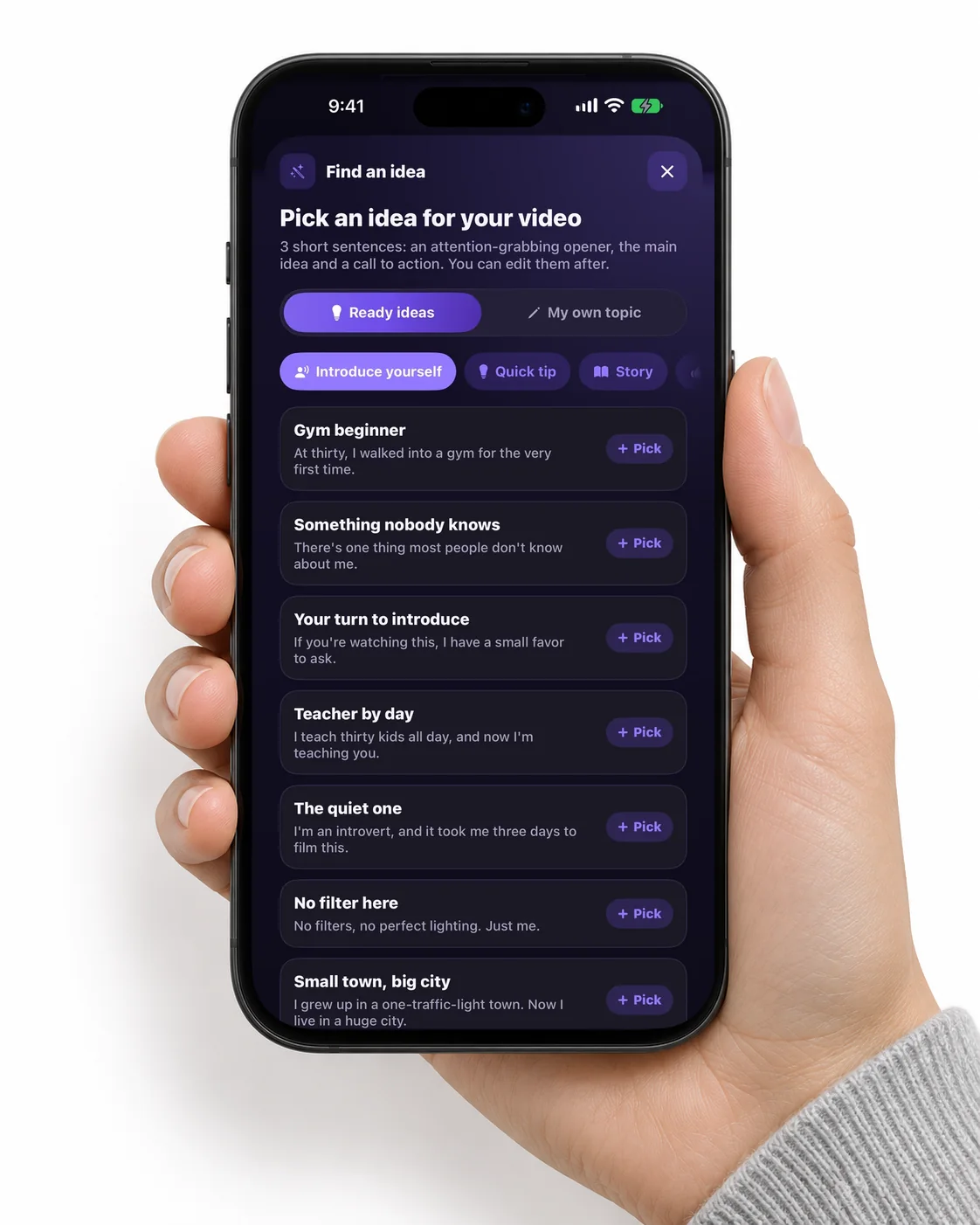
Ready video ideas
10
Languages
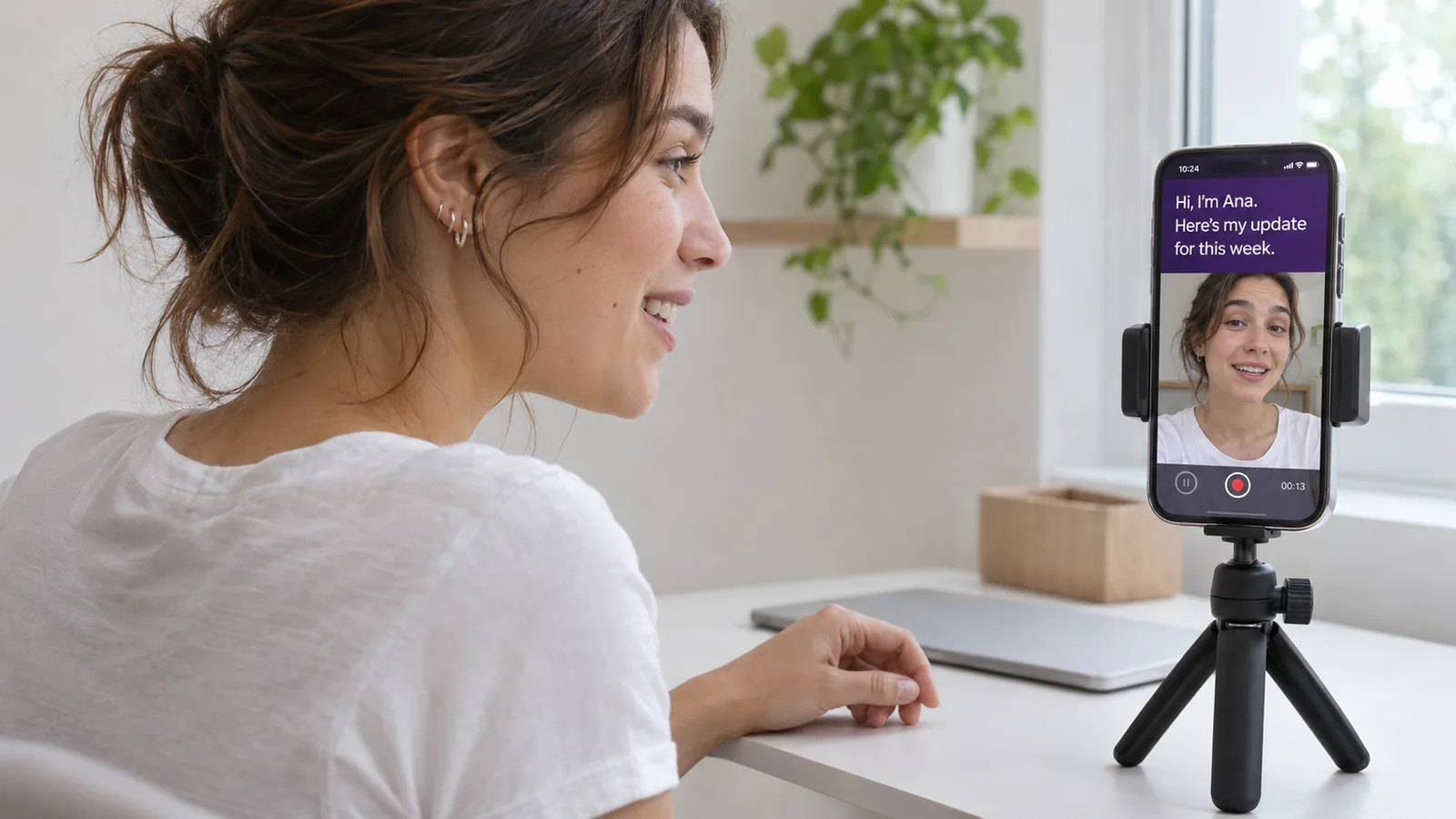
From blank screen to your first video in three steps.
- 1
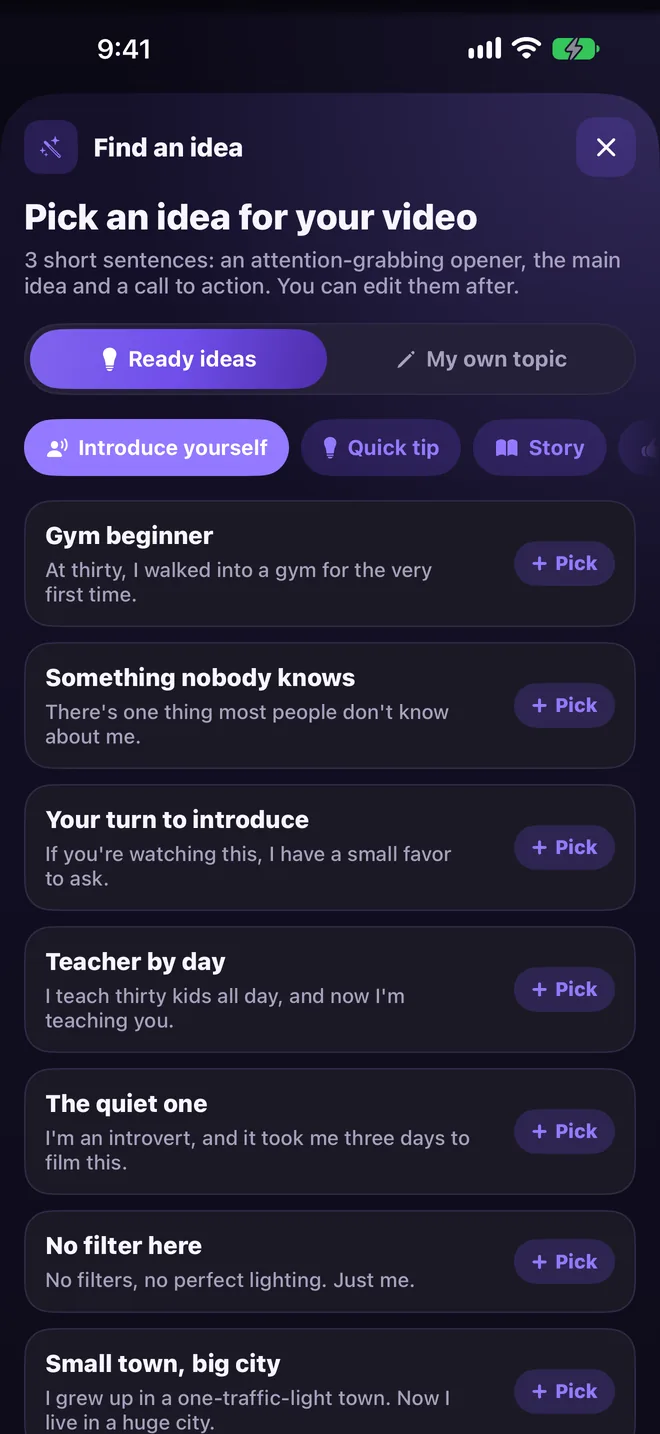
Pick what to say
Choose one of 3,000 ideas or type your own topic. You get three short lines: a hook, the main point and a call to action.
- 2
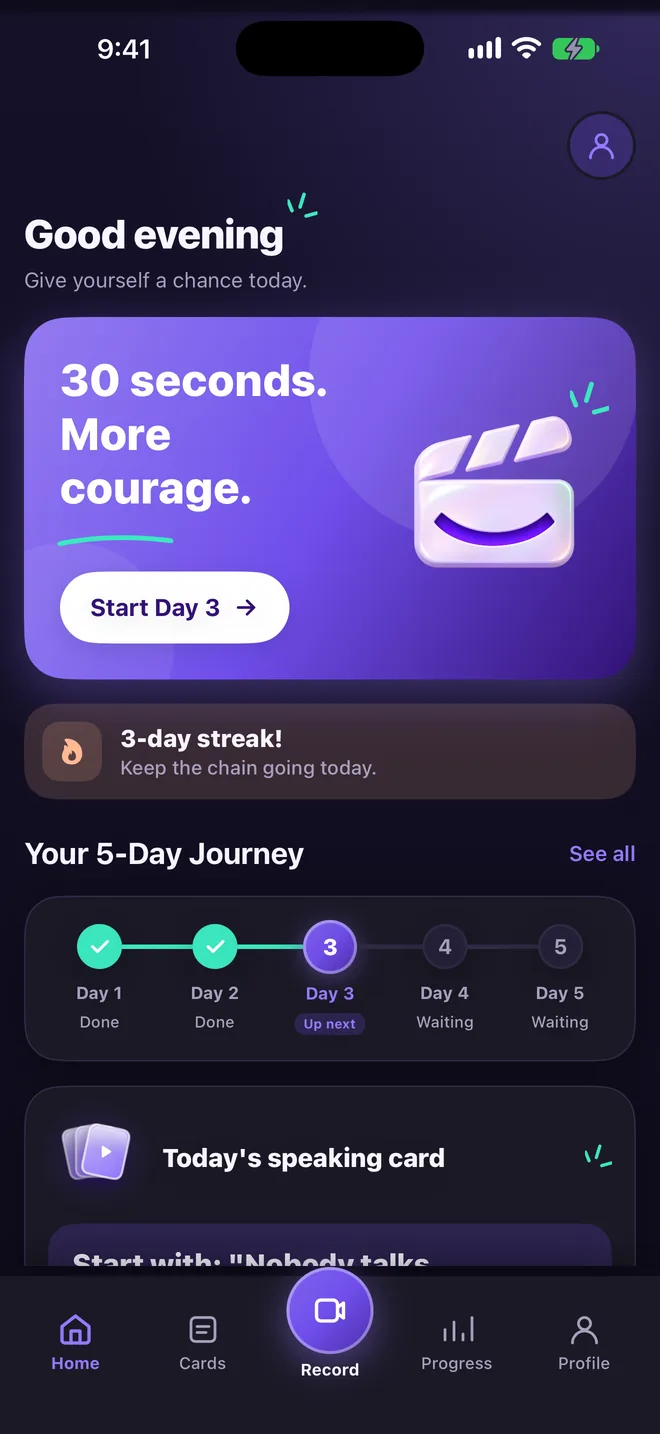
Say it to the camera
Read your lines off the teleprompter. Not ready to be seen? Start on a blurred screen or with your voice only.
- 3
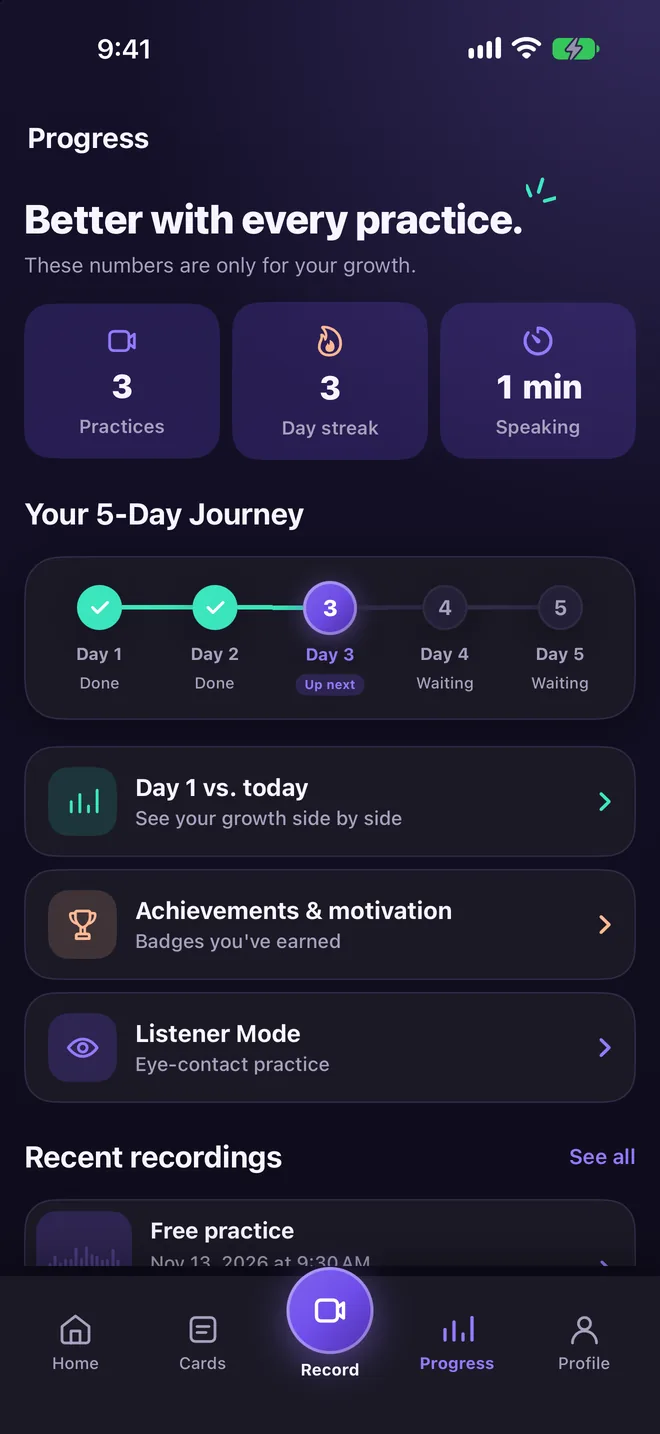
See what got better
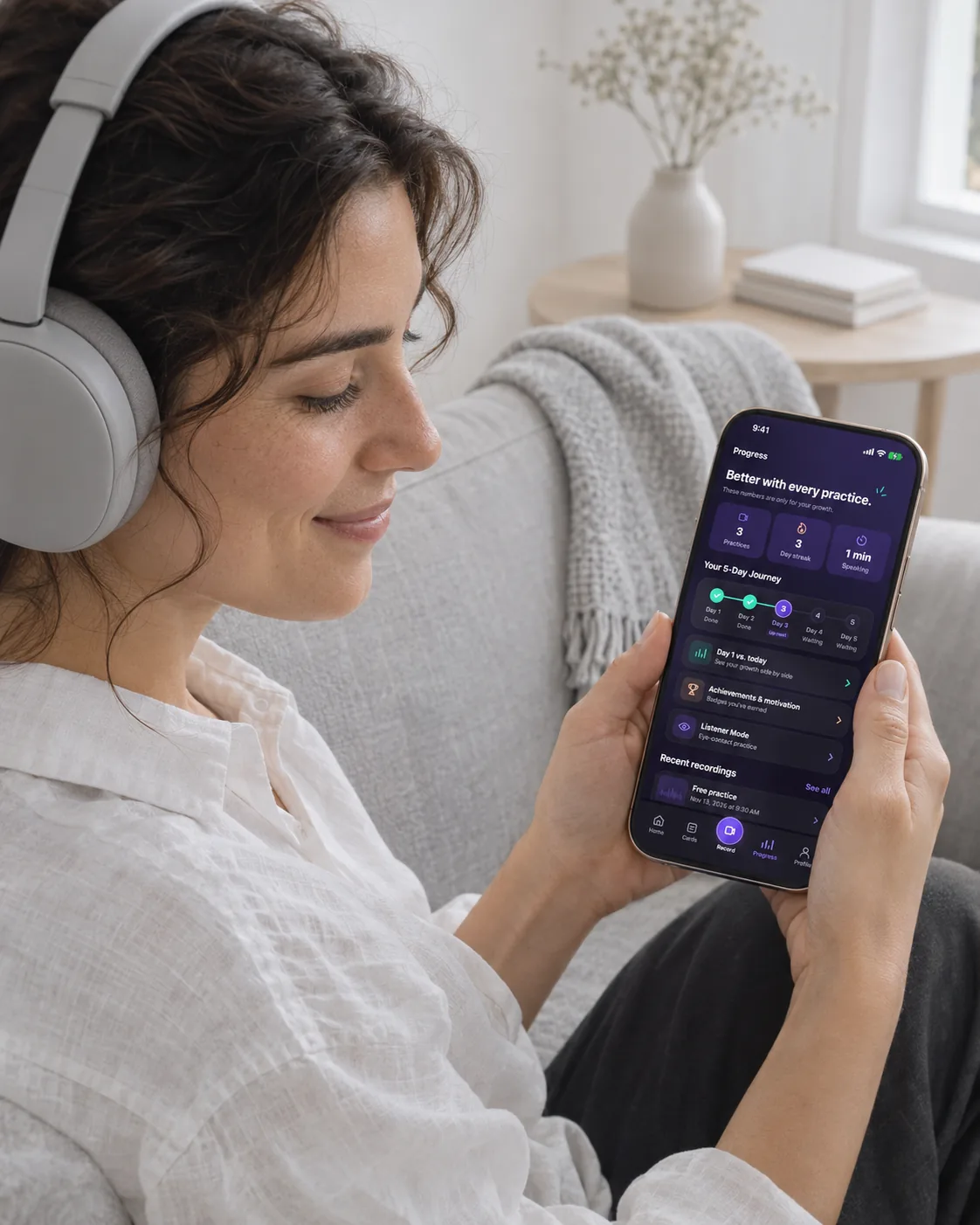
Pace, pauses and filler words are measured on your iPhone. Every practice shows you one thing to improve.
Made for people who freeze on camera.
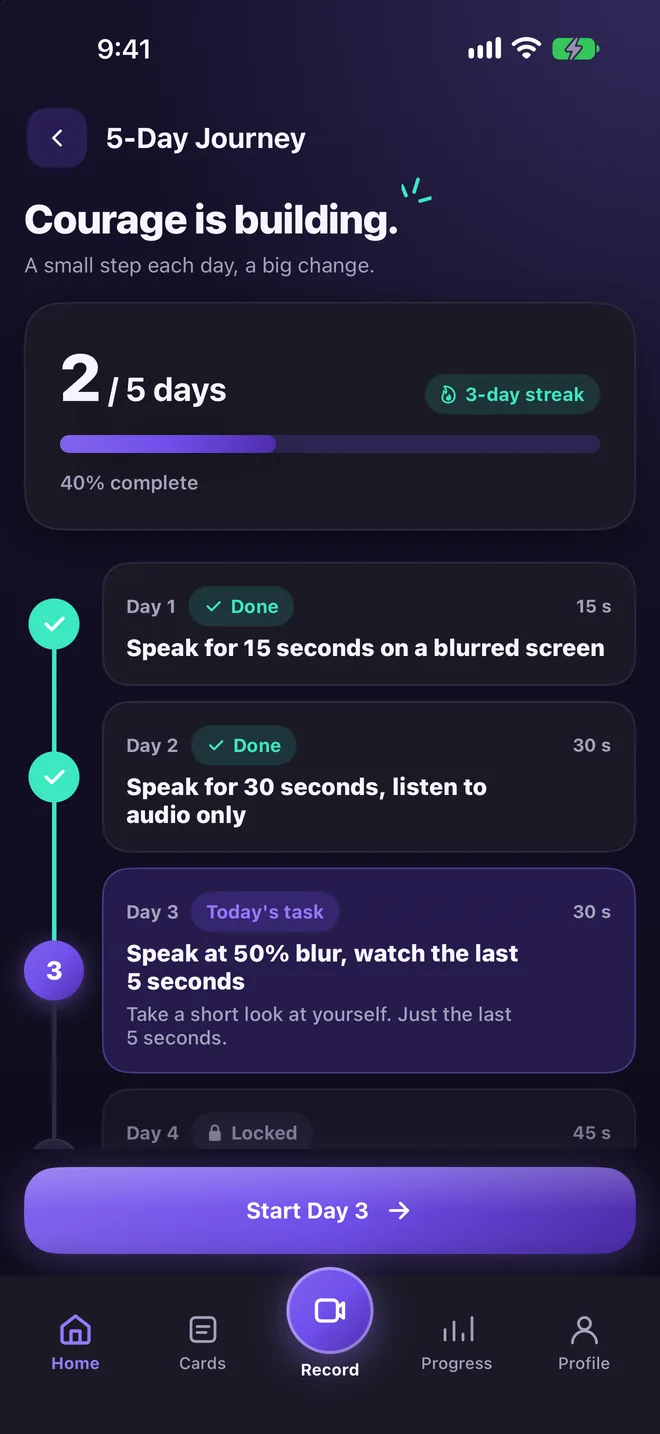
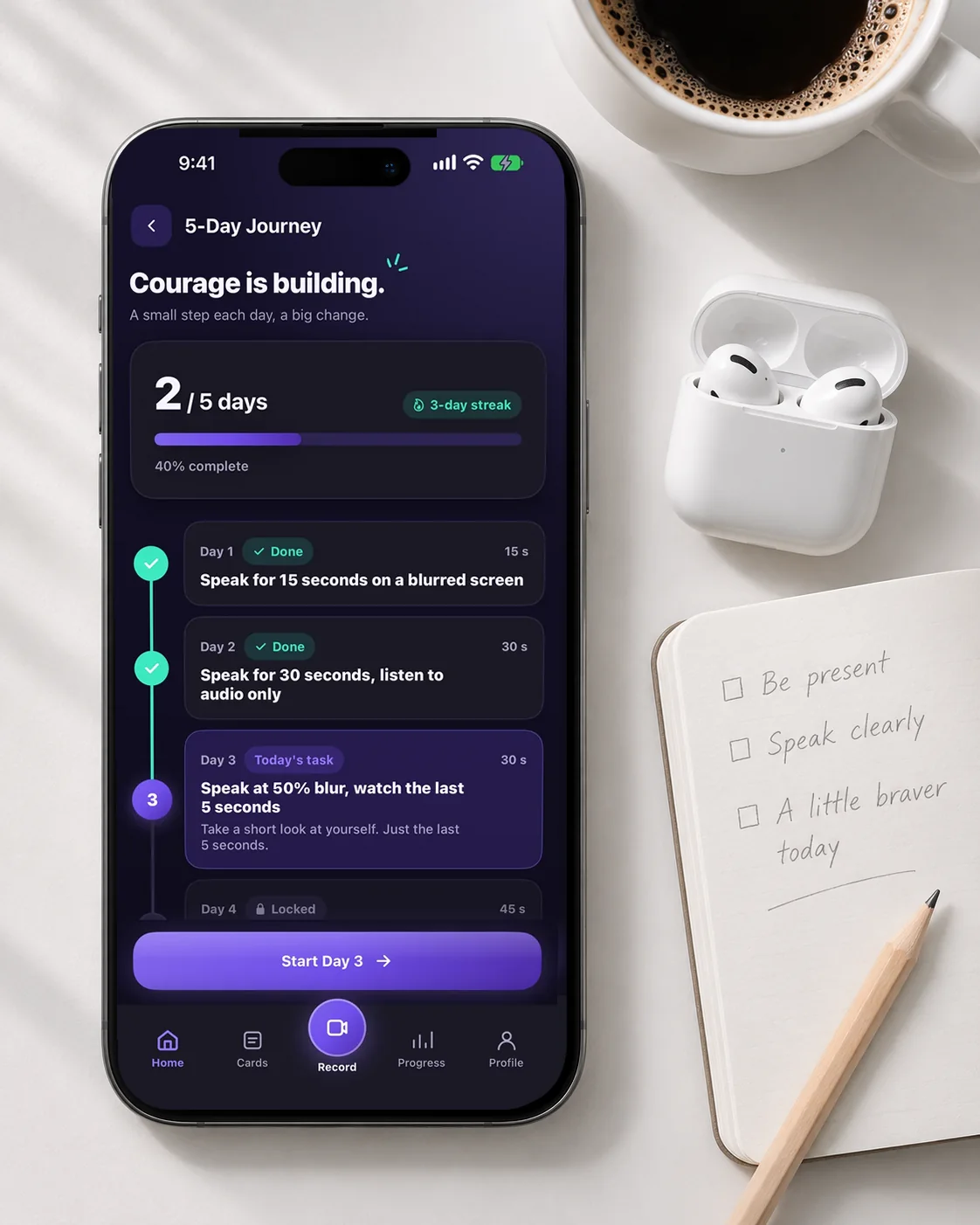
A gentle 5-day journey
Day 1 is fifteen seconds on a blurred screen. Day 2 is just your voice. Each day asks a little more, until sharing a video feels normal.
Something to say, every day
A new speaking card each day: introduce yourself, tell a story, get ready for an interview.
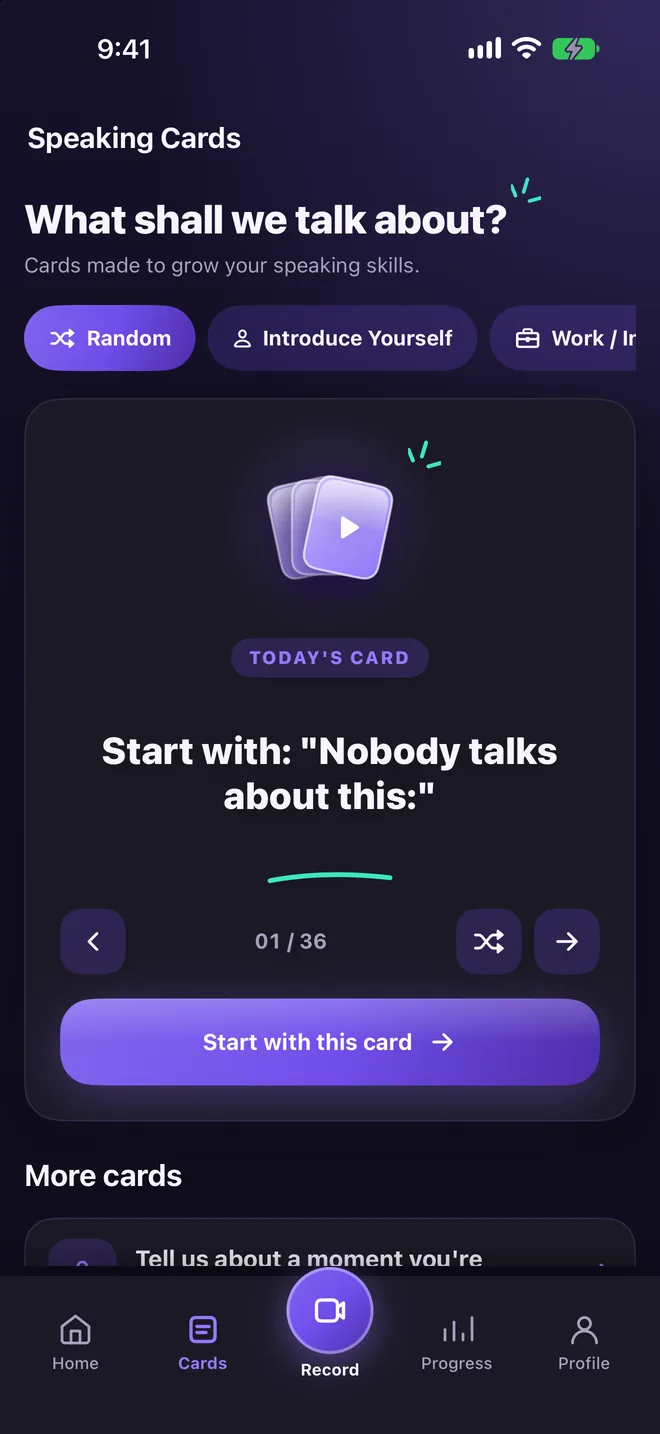
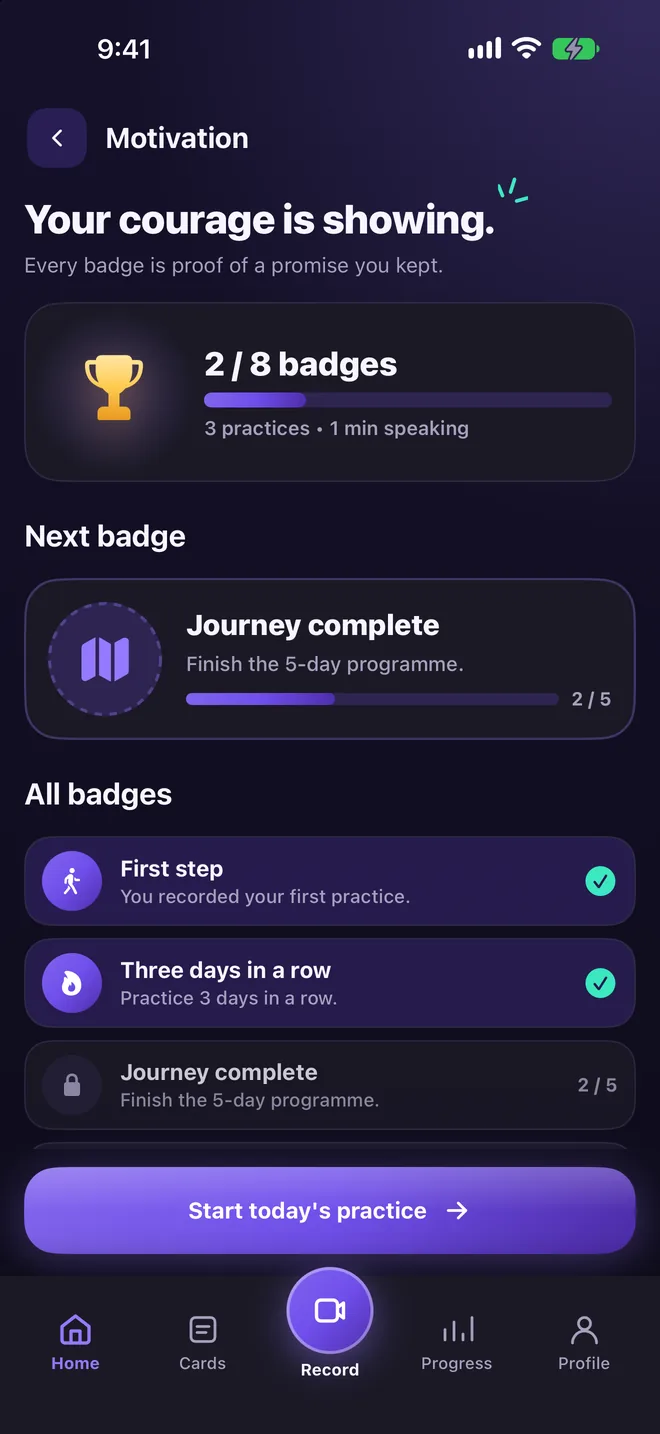
Badges for showing up
Your next badge is always in sight. Streaks and milestones reward every practice.
Teleprompter
Your script sits next to the lens, so you keep eye contact.
Captions and music
With Pro, one tap turns your take into a captioned vertical video with music.
Listener Mode
Practise eye contact with a calm listener before you talk to real people.
For anyone who has to talk on camera.
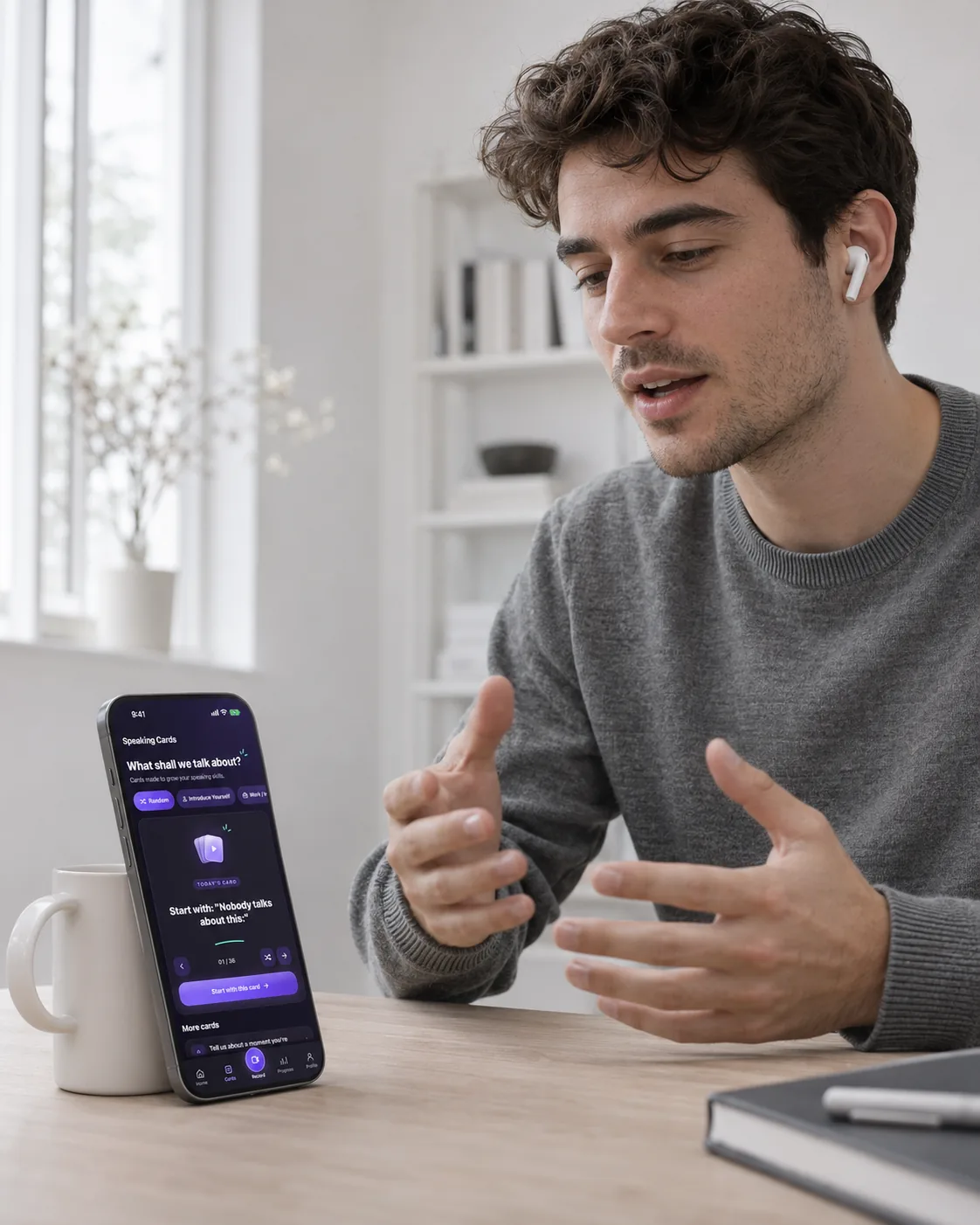
Job seekers
Rehearse interview answers until they sound like you.
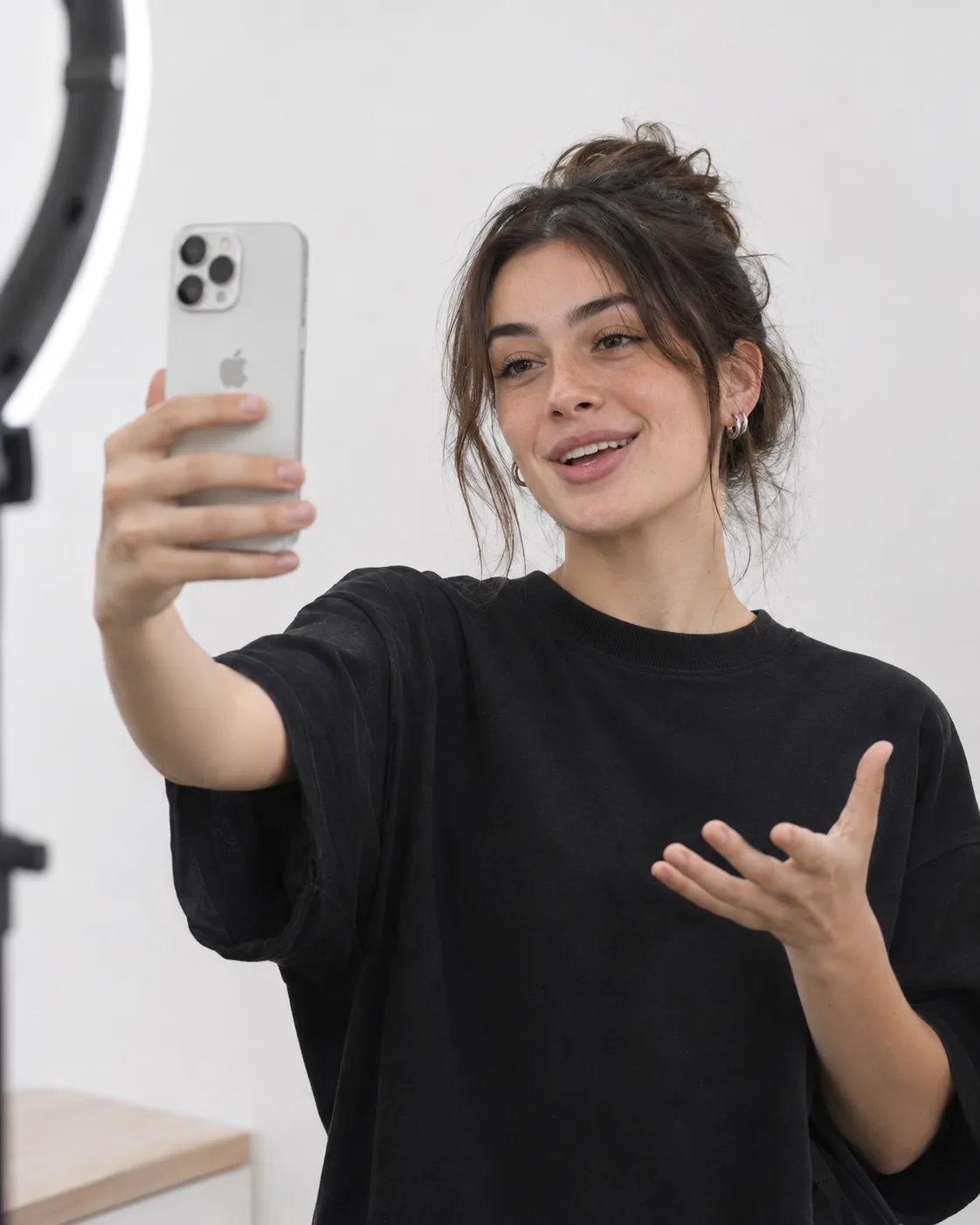
Creators
Film Reels and TikToks without ten retakes.
Students and professionals
Get ready for presentations, video calls and speeches.
Your recordings never leave your phone.
Speech analysis runs on your iPhone and your videos are never uploaded to our servers. Practise alone, blur your face, listen back. Nobody sees a thing until you decide they can.
Questions
Is Camfident free?
Camfident is free to download. Advanced video tools such as one-tap auto edit and AI B-roll come with an optional Pro subscription.
Do I have to show my face?
No. You can start on a blurred screen or with your voice only, and decide yourself when you're ready to be seen.
Where are my recordings stored?
Only on your iPhone. Speech analysis runs on the device and your videos are never uploaded to our servers.
Which languages does it speak?
English, Turkish, German, French, Spanish, Italian, Portuguese, Finnish, Arabic and Japanese.
What do I need?
An iPhone with iOS 17 or later.
Your first practice takes 15 seconds.
Start today, blurred and alone. You decide when anyone gets to see it.