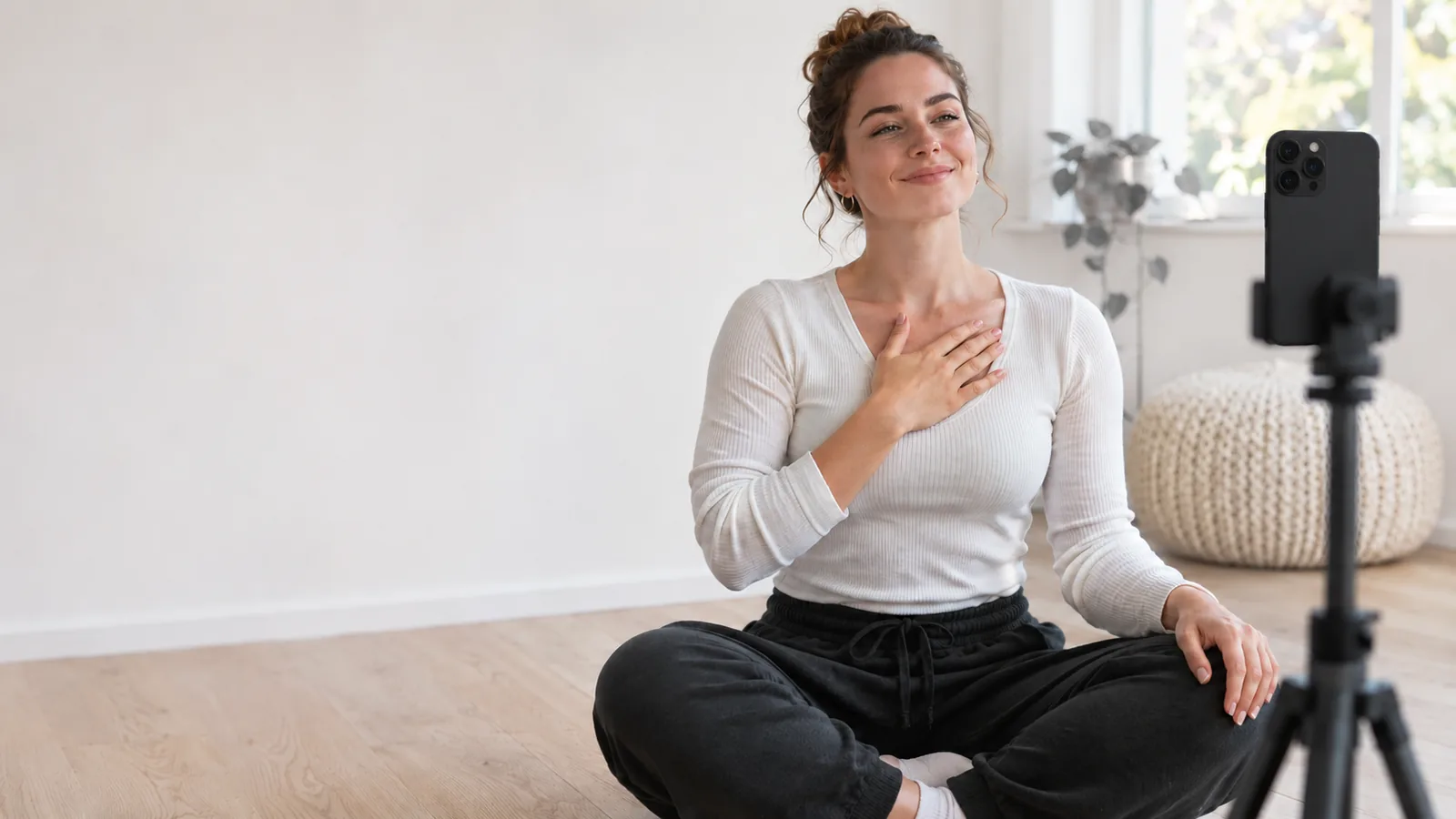
 Camfident
How to Look Natural on Camera: Hands, Eyes, and Posture
Burhan Çelebi · Updated 2026-11-14 · 6 min read
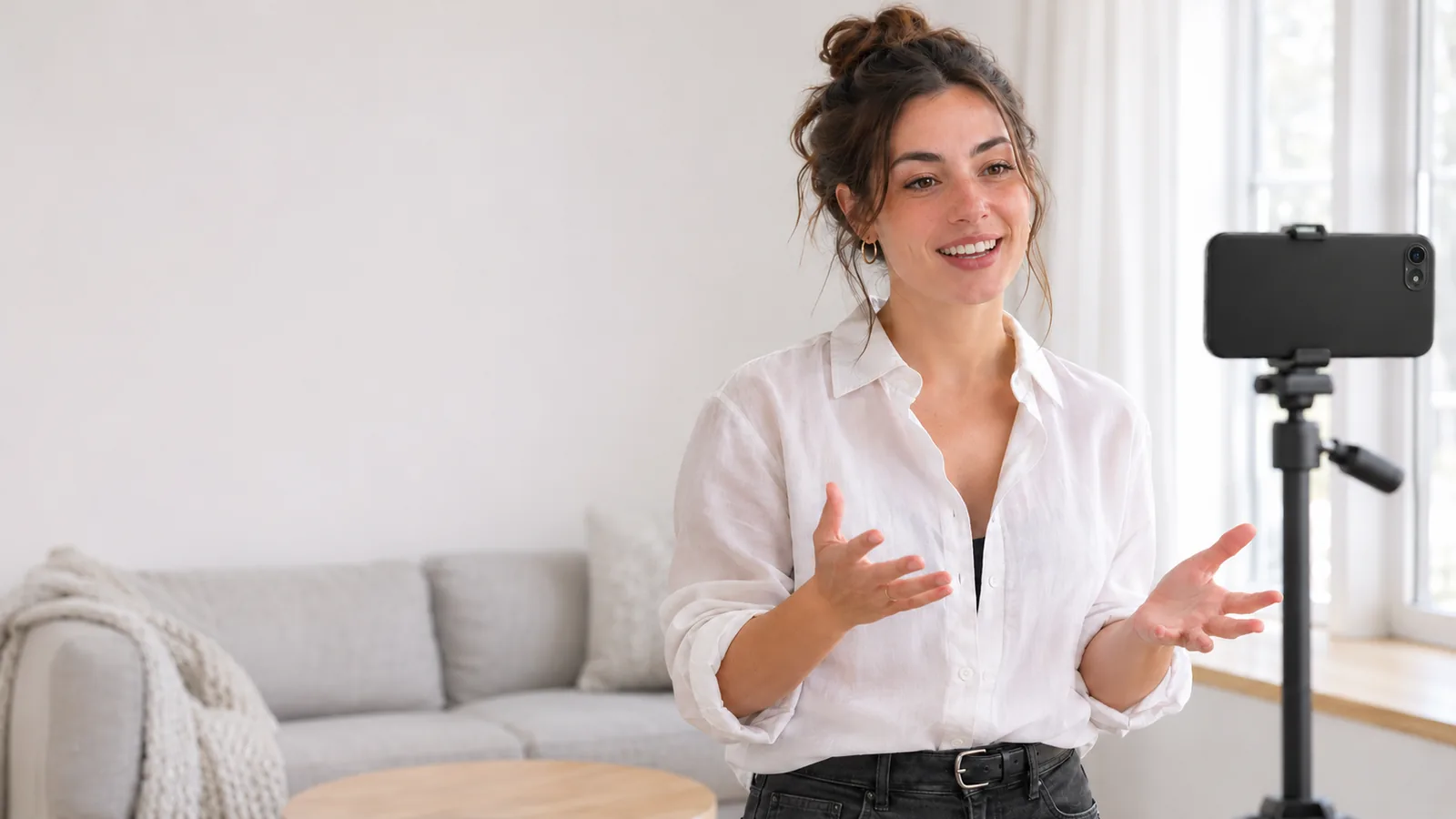
To look natural on camera, look directly into the camera lens rather than at your own screen reflection, keep your hands relaxed at navel height so they can gesture freely, and maintain an upright, relaxed posture. Frame yourself from the mid-chest up so viewers can see your natural upper-body body language, exactly as they would in an in-person conversation.
Most people feel stiff and unnatural the moment a phone begins recording. In everyday life, you move your head, blink, gesture with your hands, and adjust your posture without conscious thought. But in front of a lens, sudden self-consciousness causes many speakers to freeze their bodies like statues, lock their arms to their sides, or plaster on a rigid, frozen grin.
Looking relaxed on video is not about acting; it is about eliminating physical tension so your genuine personality can show through. This practical guide supports our overarching roadmap on how to get over your fear of being on camera, helping you build effortless physical presence.
Where should you look when recording on a phone?
The number one reason creators look awkward on video is that they stare at their own face on the phone screen instead of looking into the camera lens.
When you look at your screen preview, your gaze points roughly two inches below the camera aperture. To your audience, this appears as if you are staring at their chest or neck rather than looking them in the eyes. Looking directly into the tiny camera lens creates an immediate sense of direct, intimate eye contact with your viewer.
If you are using a teleprompter app to read notes, placing the text too far from the camera lens causes your eyes to dart noticeably across the glass. To learn how to position text seamlessly alongside the camera aperture, explore our guide on how to use a teleprompter on iPhone without looking like you are reading.
In Camfident, this eye alignment issue is solved by positioning the teleprompter script directly adjacent to your front camera lens on your iPhone, allowing you to read your notes naturally while keeping your gaze locked onto your viewers.
What should you do with your hands?
When the camera rolls, hands suddenly feel like awkward weights attached to your wrists. Many beginners shove their hands into their pockets, clasp them tightly behind their backs, or grip the table like a rollercoaster safety bar.
Cognitive science shows that spontaneous hand gesturing is intimately tied to thought formation. When you inhibit your hands, your verbal fluency drops and your speech becomes more hesitant.
To use your hands naturally:
- Rest hands at the "readiness zone": Keep your hands gently resting together near your navel or lower ribs when not gesturing.
- Gesture on key concepts: Let your hands move naturally to emphasize size, sequence, or contrast (e.g., holding up fingers for numbers, or separating hands to show two different options).
- Frame wide enough to include gestures: Ensure your camera framing cuts off at the mid-torso rather than tightly under your chin, so your natural hand movements appear in frame. For detailed framing diagrams, review our beginner tutorial on how to record yourself on a phone setup.
Should you sit or stand while recording?
Both sitting and standing work well on video, but each creates a subtly different psychological and energetic state.
| Position | Energy Level | Best For | Key Tip |
|---|---|---|---|
| Standing | Dynamic, authoritative, energized | Keynotes, high-energy reels, tutorials, and pitch videos | Keep feet hip-width apart and avoid swaying side to side |
| Sitting | Intimate, conversational, calm | Storytelling, deep educational lessons, interviews, and vlogs | Sit on the front edge of your chair; do not lean back into the cushions |
If you choose to sit, avoid soft rolling office chairs that encourage nervous swiveling. Use a firm, stationary dining chair, sit tall on your sit bones, and lean slightly forward toward the lens by about five degrees to project attentive warmth.
Common body language mistakes and quick fixes
Use this reference table to troubleshoot and correct common on-camera habits.
| Common Problem | What Viewers See | The Quick Fix |
|---|---|---|
| The "News Anchor" Freeze | Total physical stiffness; zero blinking or nodding | Shake out shoulders, take a deep breath, and nod naturally at sentence starts |
| Wandering Screen Glances | Shifty eyes checking hair, framing, or lighting | Place a brightly colored sticker right next to the camera lens as a visual target |
| The Pinned Arms Trap | Clamped elbows creating defensive body language | Imagine holding a basketball between your elbows and your ribcage |
| The "Say Cheese" Frozen Grin | Tense cheek muscles and artificial, fake smile | Relax your face completely, then smile naturally with your eyes (a Duchenne smile) |
| The Nervous Pendulum Sway | Rocking side to side between your left and right legs | Plant big toes firmly into the floor; keep equal weight on both feet |
What should you wear to look best on camera?
Your wardrobe should frame your face without competing with your message.
- Wear solid, mid-tone colors: Rich jewel tones like navy blue, emerald green, burgundy, and dark grey look fantastic under phone camera sensors.
- Avoid distracting patterns: Tight checkerboards, thin stripes, and houndstooth patterns produce a disorienting optical vibration called the moiré effect on digital sensors.
- Avoid pure white and solid black: Bright white tops can blow out your phone's auto-exposure and make your face look dark, while pure black tops can blend into dark shadows and look like a floating head.
Frequently Asked Questions
How do I smile naturally without feeling fake?
Think of a funny or heartwarming memory right before pressing record, or laugh out loud softly right before delivering your opening line. A genuine smile engages the orbicularis oculi muscles around your eyes, softening your expression immediately.
What do I do if I have a resting serious face?
You do not need to grin constantly throughout a serious discussion. Instead, flash a brief, warm smile when greeting your viewers during the first two seconds, and another smile when closing the video.
How much should I blink on camera?
Blink naturally, just as you would during a relaxed coffee conversation. When people get nervous, they either stare unblinkingly or flutter their eyelids rapidly. Slowing your breathing rate automatically normalizes your blink reflex.
Can I wear glasses when recording?
Yes, but angle your lights or window slightly to the side to avoid bright reflections on your lenses that obscure your eyes. Raising your light source slightly higher than your forehead usually eliminates glass glare.
Looking natural on camera is not about being a polished television host. It is about relaxing your shoulders, looking your viewer in the eye, and speaking with the same warmth you would share with a trusted friend. Set your phone down, breathe, and let your authentic self take the spotlight.
Related articles
Sources
- Goldin-Meadow, S. (1999). The role of gesture in communication and thinking. Trends in Cognitive Sciences, 3(11), 419–429. ScienceDirect
- Ekman, P., & Friesen, W. V. (1971). Constants across cultures in the face and emotion. Journal of Personality and Social Psychology, 17(2), 124–129. APA PsycNet
- Pease, A., & Pease, B. (2006). The Definitive Book of Body Language. Bantam Books. Penguin Random House