 Camfident
Should You Use a Script on Camera or Speak Freely?
Burhan Çelebi · Updated 2026-11-14 · 5 min read
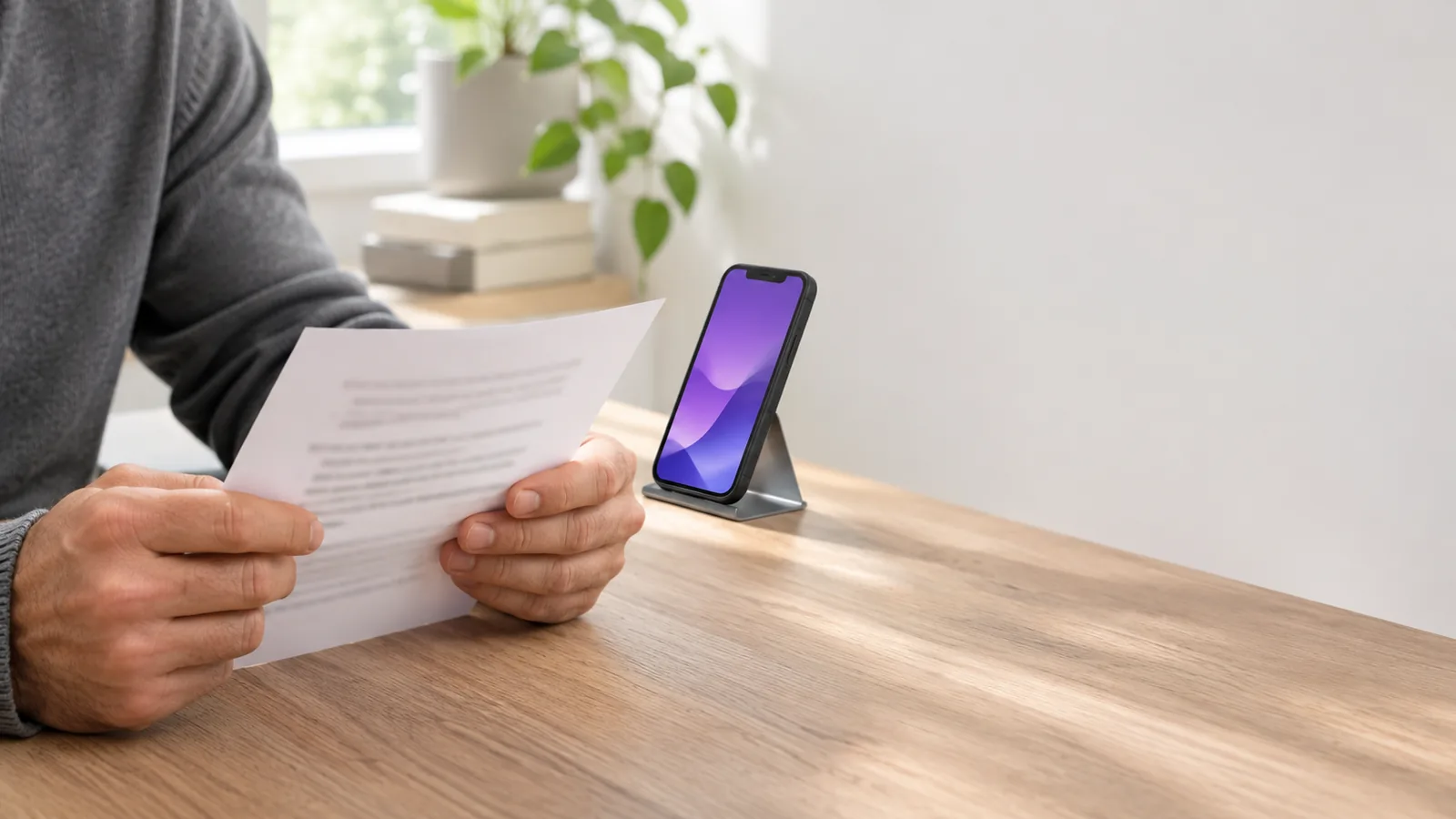
You should choose between a script and speaking freely based on your video format and comfort level: use bullet points for authentic conversational videos, a teleprompter script for precise educational or promotional content, and speak completely unscripted only when sharing spontaneous personal stories. For most creators, a structured bullet-point outline offers the best balance of authority and warmth.
One of the greatest dilemmas beginners face is deciding whether to write out every word before recording. Memorizing full paragraphs often leads to stiff, robotic delivery and intense panic if you miss a single phrase. Conversely, winging a video with zero preparation frequently leads to repetitive rambling, frequent filler words, and disjointed points.
Finding the right method directly supports your camera presence. If you are still working through basic lens nerves, start with our core guide on how to get over your fear of being on camera before worrying about script complexity.
Comparison: Full Script vs. Bullet Points vs. No Script
To determine the best approach for your next recording, evaluate the trade-offs of each delivery method.
| Method | Advantages | Disadvantages | Best For |
|---|---|---|---|
| Full Word-for-Word Script | Guarantees precise phrasing, zero wasted words, and exact timing. | Can sound stiff or read; eye contact suffers unless using a prompter. | Product announcements, legal updates, paid ads, and high-stakes pitches. |
| Bullet-Point Outline | Highly conversational; keeps ideas structured while letting personality shine. | Requires small spontaneous transitions; slightly variable duration. | Educational videos, social media reels, YouTube tutorials, and team updates. |
| Completely Unscripted | Maximum raw authenticity and spontaneous emotional connection. | High risk of rambling, awkward pauses, and excessive filler words. | Live streams, behind-the-scenes vlogs, and casual personal reflections. |
How to write a script that sounds like natural speech
If you decide to write a word-for-word script, the biggest pitfall is writing for the eye rather than the ear. When people type on a keyboard, they naturally default to complex academic prose, long sentences, and formal vocabulary.
To write a natural script:
- Speak before you type: Dictate your thoughts using your phone's voice-to-text tool rather than typing on a laptop. Spoken syntax is naturally shorter and more conversational than written syntax.
- Use contractions consistently: In everyday speech, you rarely say "I will not" or "do not". Use "I won't" and "don't". Contractions immediately soften formal stiffness.
- Keep sentences under 15 words: Long sentences exhaust your lung capacity on camera and increase the likelihood of stumbling. If a sentence has a semicolon or two commas, split it into two distinct thoughts.
- Read aloud and circle stumbling points: If your tongue trips over a phrase during rehearsal, rewrite it immediately. Never assume you will "get it right on the day."
When reading a full script on your phone, using a dedicated teleprompter prevents awkward glances away from the lens. To master natural eye contact while reading, consult our practical guide on using a teleprompter on iPhone without looking like you are reading.
The power of the 3-part bullet-point outline
For most short-form videos and social media content, a bullet-point outline produces the most energetic and engaging delivery. A great outline gives you guardrails without locking your vocal cords into rigid syntax.
A proven short-form structure follows three distinct beats:
- Part 1: The Hook (1 sentence): Grab attention by identifying a common mistake, counterintuitive fact, or urgent question. To explore proven opening formulas, read our guide on how to start a video hook so people keep watching.
- Part 2: The Core Value (2–3 bullet points): Deliver your practical insights, steps, or explanation concisely.
- Part 3: The Call to Action (1 sentence): Tell the viewer exactly what to reflect on, try out, or comment next.
If you struggle to come up with concepts to outline, our curated collection of first video ideas for beginners provides ready-to-use topics formatted specifically for this 3-part structure.
In Camfident, this proven three-sentence concept structure is built directly into the app's ready video ideas library. You can generate ideas or open an AI script writer, and have the text scroll directly next to your front camera lens as you record on your iPhone.
When should you transition to speaking freely?
Speaking completely unscripted is an advanced skill that comes naturally after you have internalized basic speech pacing and structure. Winging a presentation successfully requires deep subject-matter mastery and strong comfort with silent pauses.
Transition to unscripted videos when:
- You are sharing a personal story that you have told friends dozens of times in casual conversation.
- You are responding spontaneously to a follower's question or team member's comment.
- You are conducting an informal behind-the-scenes walkthrough where perfection is unnecessary.
Even when speaking freely, always keep your destination in mind. Before hitting record, identify the exact single sentence you will use to conclude your video so you never finish with an awkward, trailing "and... yeah, that's pretty much it."
Frequently Asked Questions
Will my audience know if I am using a script?
Your audience will only notice a script if your delivery sounds monotone, if you forget to blink and smile, or if your eyes visibly track text across a screen. If your script uses conversational vocabulary and short lines, audiences will perceive you as articulate and prepared.
How do I memorize a script without sounding robotic?
Do not memorize words; memorize concepts. Read your script three times, put the text away, and explain the core idea aloud in your own words. Memorizing bullet points preserves natural emotional inflection while keeping you on message.
What should I do if I forget my script mid-video?
Pause, keep your eyes on the lens, breathe, glance down at your notes for two seconds, look back into the lens, and resume speaking. You can easily cut out the pause later, or keep it in as a thoughtful moment of reflection.
Is bullet-point speaking better for YouTube or TikTok?
Bullet points work exceptionally well for both platforms. TikTok and Reels reward authentic, direct energy, while YouTube audiences appreciate structured clarity without unnecessary filler.
Whether you rely on a word-for-word script, a crisp set of bullet points, or pure spontaneous passion, the best choice is the one that gives you the peace of mind to press record. Choose the method that serves your comfort, refine it through repetition, and let your message shine.
Related articles
Sources
- Lucas, S. E., & Stob, P. (2020). The Art of Public Speaking (13th ed.). McGraw-Hill Education. Google Books
- Schwartzberg, J. (2018, March). Good notes: A public speaker's best ally. Toastmaster magazine. Toastmasters International