 Camfident
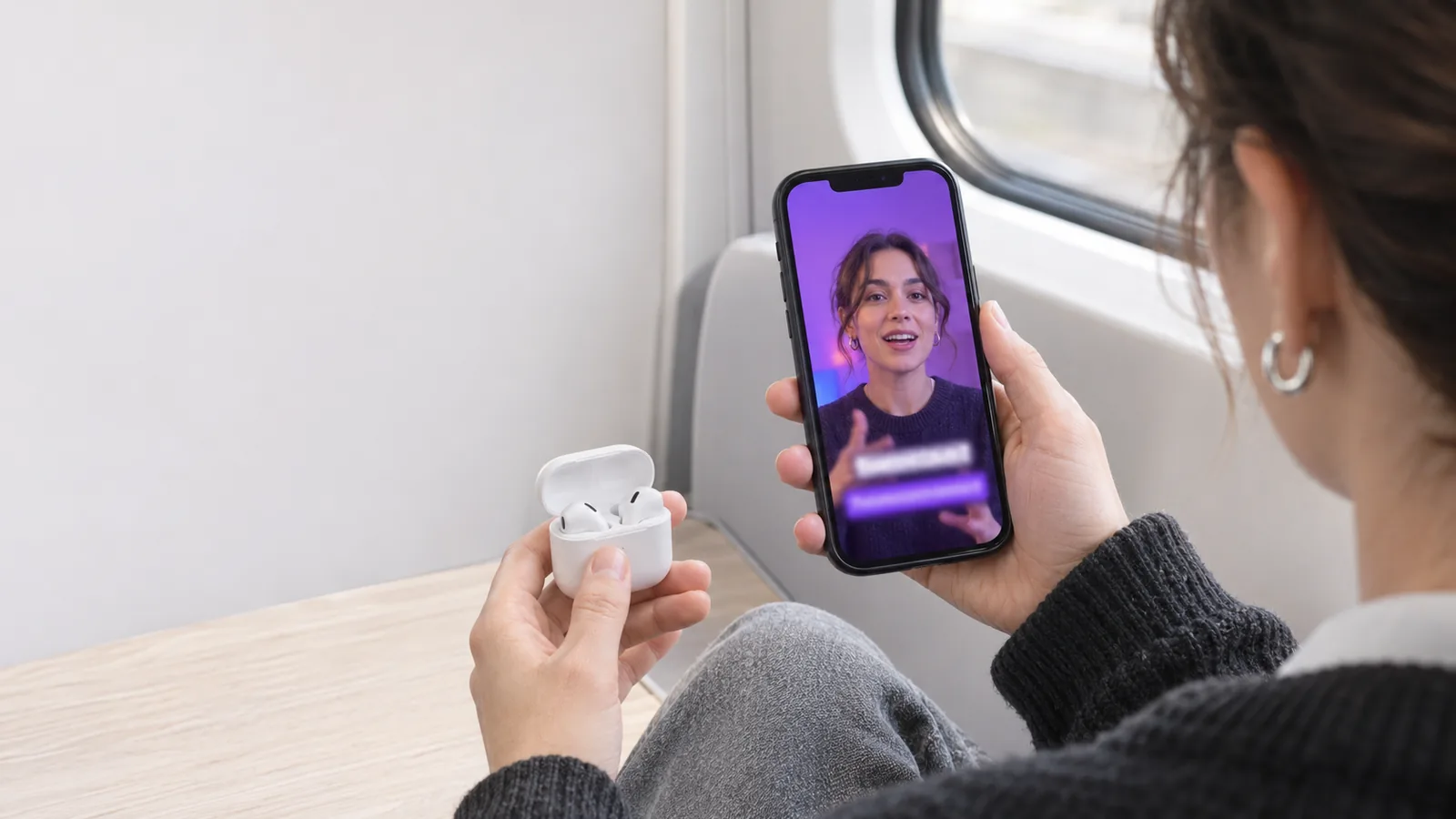
Yes, you should add captions to your talking videos. Research and platform analytics show that a large portion of mobile users watch short-form videos with the sound muted, especially in public spaces or work environments. Captions stop scrolling thumbs, dramatically improve content accessibility, and reinforce message comprehension.
In modern feed-based social media, video is as much a visual reading experience as it is an auditory one. When users scroll through Instagram, TikTok, LinkedIn, or YouTube Shorts on their morning commute or in an office, autoplay videos often start muted by default. If your video does not display clear, synchronized captions in the opening two seconds, silent viewers will scroll past without ever hearing your message.
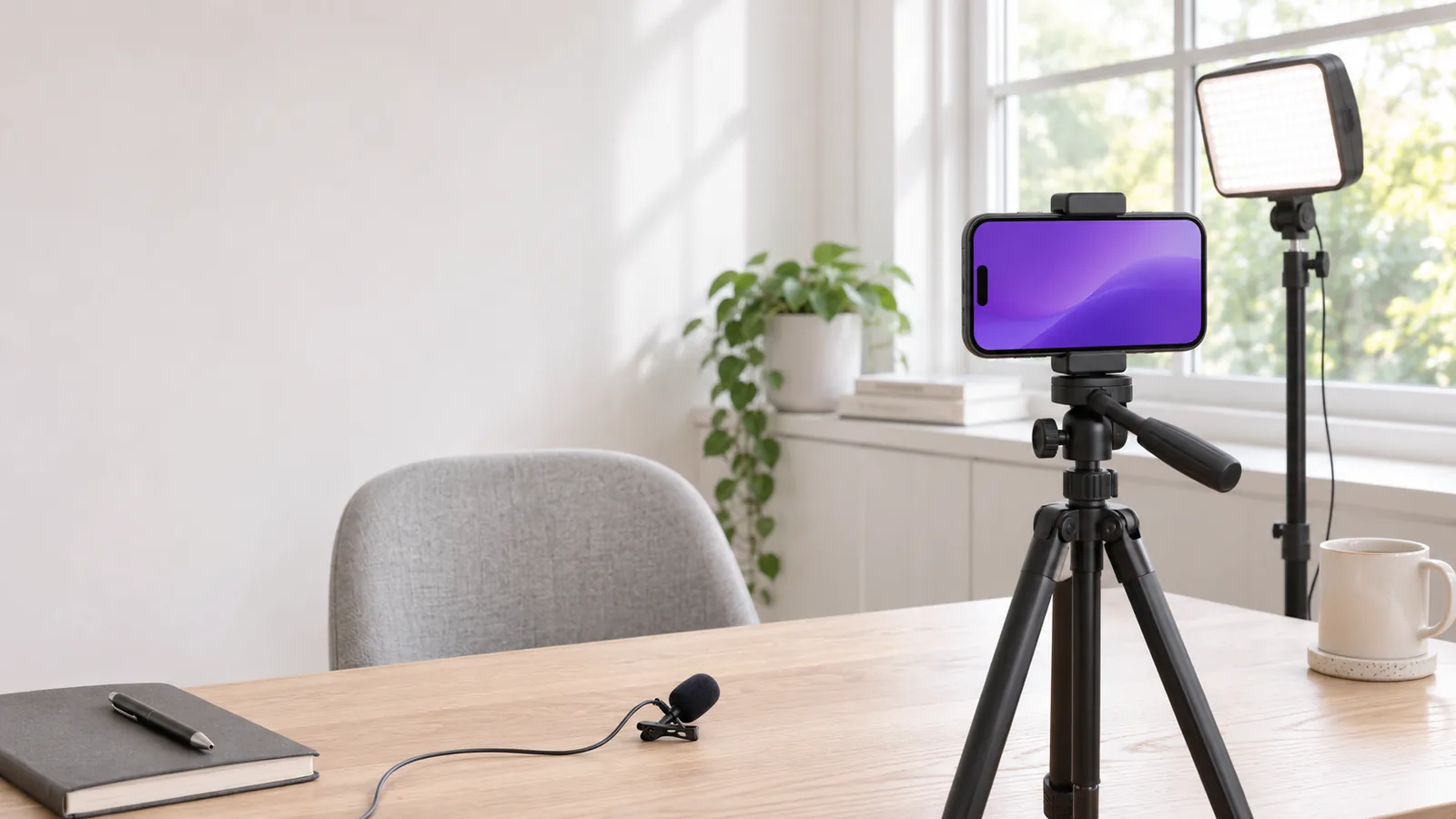
Adding captions is an essential part of phone video production. To ensure your camera framing and lighting complement on-screen text, review our complete setup guide on how to record yourself on a phone setup. If you are also working on foundational confidence, read our core guide on how to get over your fear of being on camera.
4 compelling reasons to caption every talking video
Captioning is no longer an optional aesthetic choice; it is a primary driver of video retention and audience reach.
1. Silent mobile viewing habits
Mobile users consume content in diverse environments where audio playback is impractical or impolite: open offices, public transit, waiting rooms, and late-night browsing next to sleeping partners. A 2019 survey of U.S. consumers by Verizon Media and Publicis Media found that 80% of respondents were more likely to watch an entire video when captions were available, and half said captions matter to them because they often watch with the sound off.
2. Universal accessibility and neurodiversity
According to the World Health Organization (WHO), more than 430 million people worldwide need rehabilitation for disabling hearing loss, and nearly 2.5 billion are projected to have some degree of hearing loss by 2050. Captions provide an essential bridge for deaf and hard-of-hearing audiences. Beyond physical hearing needs, captions significantly assist neurodivergent viewers, non-native language learners, and individuals with auditory processing differences who absorb visual text much faster than spoken speech.
3. Increased watch time and algorithmic reach
Video recommendation algorithms prioritize completion rate and watch time. When viewers can read along with your words, they have a second, visual route into your message. Allan Paivio's dual-coding theory proposes that information processed through both verbal and visual channels is easier to remember, which is one reason captions can support comprehension. Higher watch time signals to platform algorithms that your video is valuable, driving wider distribution.
4. Search visibility and automated indexing
Search engines and social platform algorithms increasingly parse video transcripts and caption tracks to understand video topics. Clear captions help your content surface in keyword searches on TikTok, Instagram Explore, and Google Search.
To calibrate how much dialogue fits into short-form formats before adding captions, consult our breakdown on talking video length for Reels, TikTok, and YouTube Shorts.
Burned-in captions vs. Platform auto-captions
Creators must choose between embedding text permanently into the video file or relying on platform-generated closed captions.
| Caption Method | Advantages | Disadvantages | Best Used For |
|---|---|---|---|
| Burned-In (Open Captions) | Consistent styling, font, colors, and positioning across every app and download. | Cannot be toggled off by the viewer; takes extra rendering time. | Instagram Reels, TikTok, LinkedIn video, and paid video ads. |
| Platform Closed Captions (.SRT / Native CC) | Viewers can turn text on/off; can be translated into multiple languages automatically. | Appearance changes per platform; text can overlap buttons or descriptions. | Long-form YouTube tutorials, online courses, and corporate training. |
For short-form vertical talking videos, burned-in animated captions are the industry standard because they guarantee consistent visual appeal and prevent awkward overlaps with platform user interface icons.
In Camfident, auto captions can be generated directly on your iPhone as part of the app's Pro auto-edit suite. Speech recognition runs on-device without sending your personal video files to cloud servers, producing synchronized, beautifully styled animated captions ready for social export.
The readable caption style checklist
Poorly styled captions can clutter your screen and irritate viewers. Follow this design checklist to ensure your text enhances readability:
- Place text in the safe middle zone: Keep captions between 30% and 60% from the bottom of the screen. Never position captions in the bottom 20% of vertical video, where platform usernames, audio titles, and description text will obscure your words.
- Limit line length to 3 to 5 words: Long sentences spanning across the entire screen overwhelm readers. Use short word clusters (1 to 2 lines maximum) that update rapidly with your speech rhythm.
- Choose high-contrast sans-serif fonts: Use clean, bold sans-serif typefaces such as Inter, Montserrat, or Arial Black. Add a subtle dark drop shadow or a semi-transparent black backing box to ensure white text remains legible against light backgrounds.
- Highlight key words with color: Changing the color of one or two punchy words per sentence (e.g., using yellow, cyan, or brand purple) draws the eye and keeps the visual pacing energetic.
- Proofread technical terms and names: Automated speech-to-text engines frequently misspell brand names, technical jargon, and industry acronyms. Always do a 30-second review to correct spelling before publishing.
Frequently Asked Questions
Do captions distract people from looking at my face?
No. Viewers naturally alternate their gaze between your eyes and the caption text. In fact, seeing your facial expressions while reading reinforces your message and makes you appear more expressive and authentic.
What is the best font size for smartphone captions?
Choose a font size that takes up roughly 60% to 75% of screen width for a 4-word phrase. Text that is too small forces viewers to squint on mobile screens, while oversized text blocks your face.
Are animated word-by-word captions better than static sentences?
Word-by-word animated captions create higher visual kinetic energy, which works brilliantly for high-tempo TikToks and Reels. For deeper educational content or LinkedIn videos, static 2-line captions that change sentence-by-sentence provide a calmer, more professional reading experience.
Can bad caption spelling hurt my credibility?
Yes. Frequent typos in captions can make your content look careless or unverified. Taking 30 seconds to fix automated transcription errors preserves your authority and professionalism.
Captions ensure your hard work reaches every viewer, regardless of their environment, device volume, or hearing ability. Turn on your text, polish your layout, and make your message impossible to ignore.
Related articles
Sources
- Lafayette, J. (2019, May 14). Mobile videos often watched without audio, study finds. Broadcasting & Cable. Next TV
- World Health Organization. (2026). Deafness and hearing loss [Fact sheet]. WHO.int
- Paivio, A. (1986). Mental Representations: A Dual Coding Approach. Oxford University Press. Oxford Academic